
Download UniMaker – level designer, Mario Maker alternative, PC game creator
Overview
UniMaker is a specialized 2D game creation tool designed for users passionate about classic console-style platformers, particularly those inspired by the Super Mario Bros. series. The application serves as a level editor and design environment, enabling users to craft custom stages that mirror the visual and mechanical style of iconic 2D platform games. Its primary purpose is to empower gamers and aspiring developers with the tools needed to design, test, and share original levels within a familiar retro aesthetic. The app targets enthusiasts of classic game design, hobbyist creators, and fans of the Mario universe who wish to contribute to or expand upon the existing game world.
UniMaker solves the need for accessible, PC-based level creation software that mirrors the functionality of popular game creation tools like Mario Maker, but tailored specifically for desktop users. By offering a structured yet flexible environment, it lowers the barrier to entry for game design without requiring advanced programming or art skills. Real-world use cases include creating custom levels for personal enjoyment, sharing designs within online communities, and experimenting with game mechanics through scripting. In the broader app ecosystem, UniMaker fills a niche for creative, non-commercial game design tools that prioritize user experience and modularity. Although the developer did not provide additional technical details, the app’s focus on customization and community interaction positions it as a valuable resource for creative expression in gaming.
Key Features & Functionality
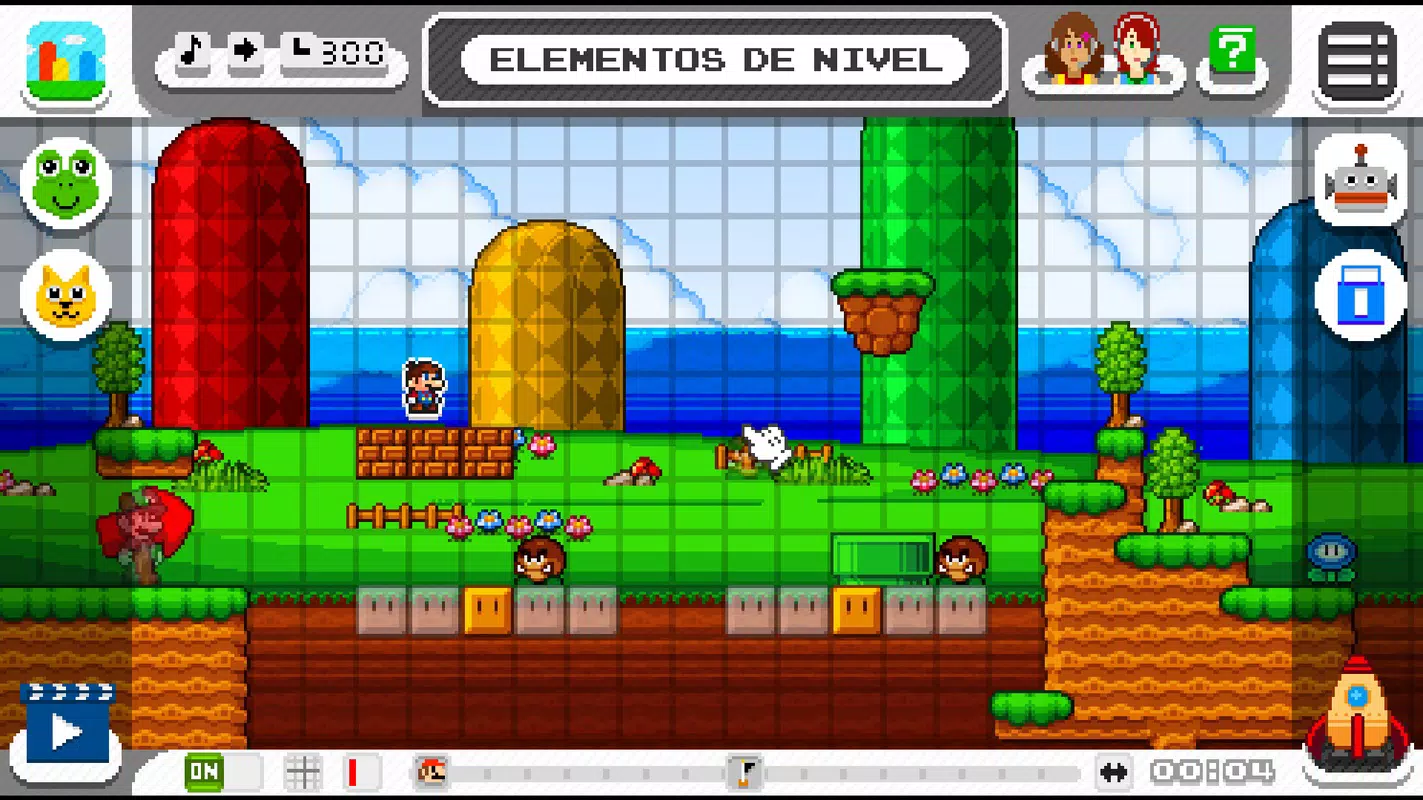
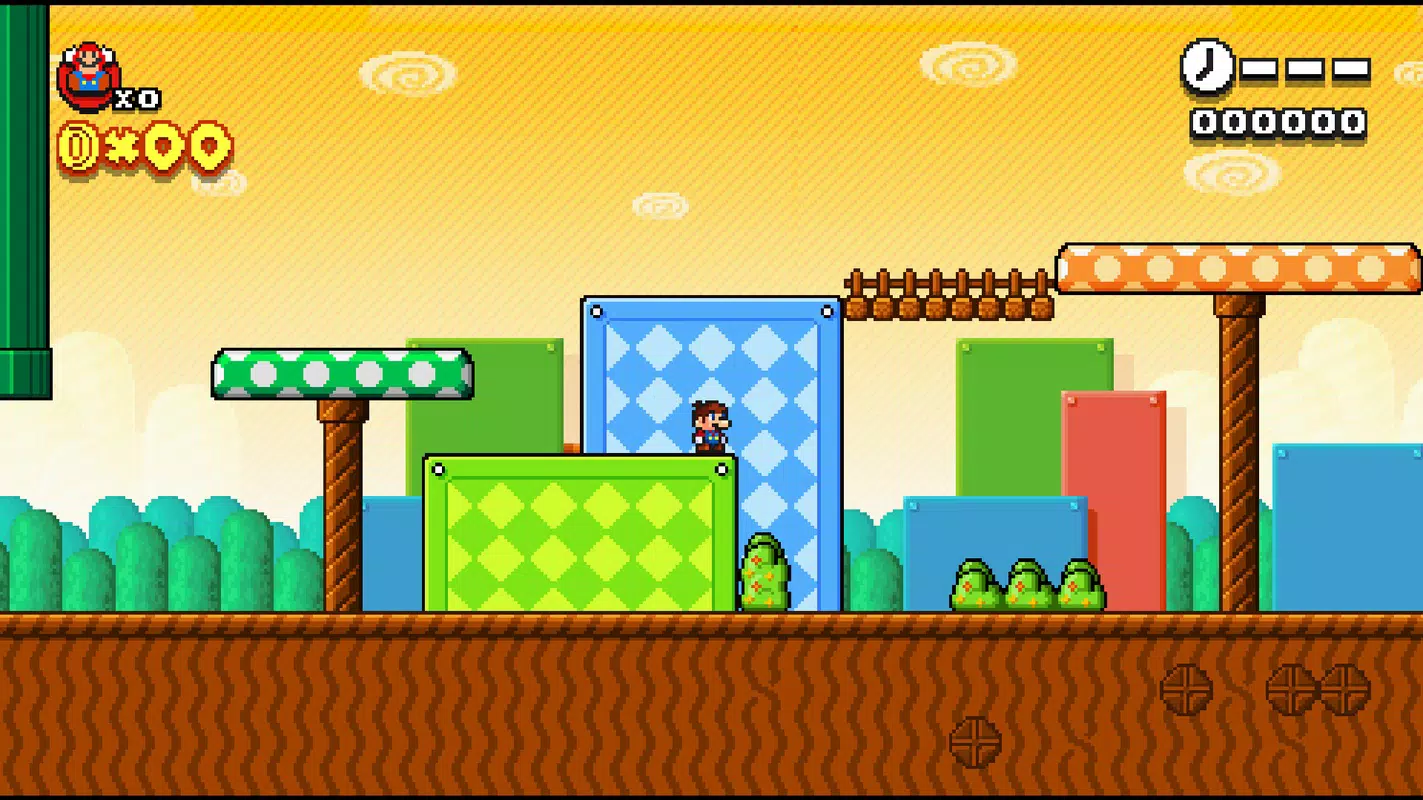
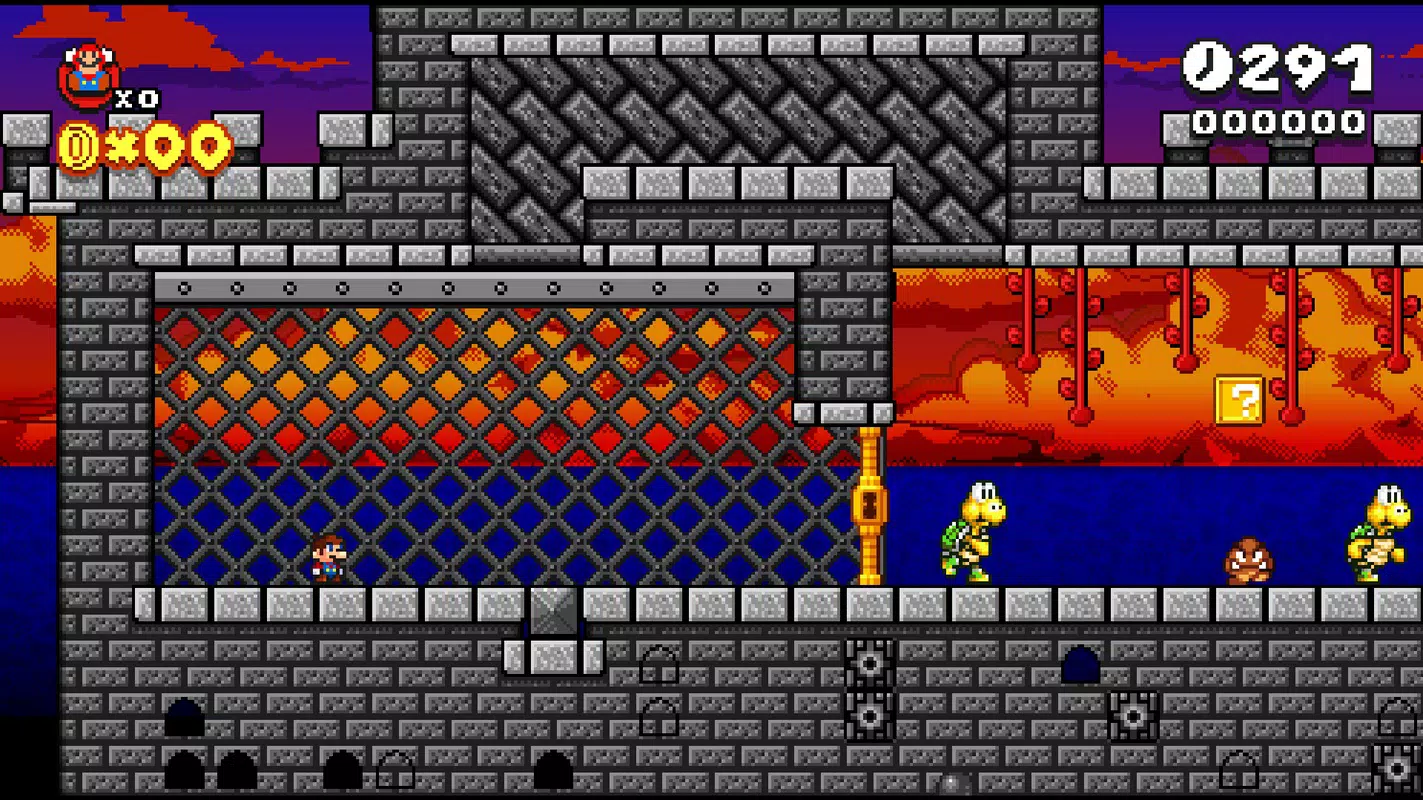
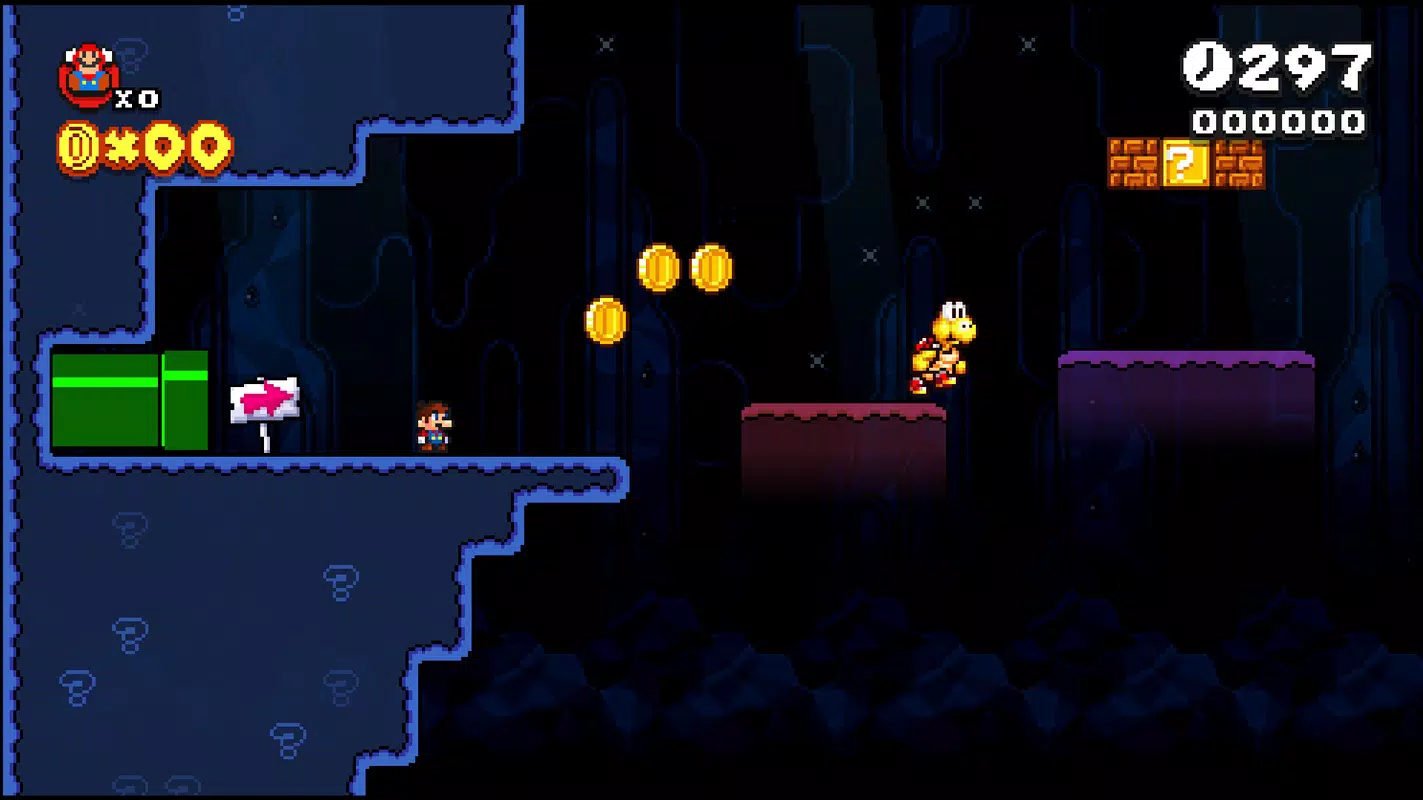
- 20+ Classic World Templates: Access to themed environments such as meadows, caves, lava zones, and underwater levels, each pre-configured with appropriate terrain, hazards, and visual elements to match Mario-style aesthetics.
- Extensive Object and Enemy Library: Users can place and configure a wide variety of interactive elements including Goombas, Koopas, question blocks, pipes, and moving platforms, enabling dynamic and engaging level design.
- Custom Sprite and Tile Editing: The ability to modify default assets allows creators to personalize visual elements, giving their levels a unique identity while maintaining compatibility with the game’s core mechanics.
- Scripting Language Integration: A built-in scripting system enables users to edit configuration files and implement custom rules, such as special triggers, enemy behaviors, or win conditions, enhancing gameplay complexity.
- Real-Time Level Testing: Built-in testing functionality allows users to play through their levels immediately after creation, ensuring mechanics work as intended and enabling iterative refinement.
- Community Sharing Platform: The app supports uploading and downloading user-created levels, fostering collaboration and inspiration among players who share a passion for retro-style game design.
These features combine to support realistic workflows: a user might begin by selecting a "cave" template, place a series of enemies and obstacles, script a hidden path using conditional triggers, test the level for balance and difficulty, and then upload it to the community for others to play. This seamless integration of creation, testing, and sharing makes UniMaker ideal for both casual creators and those exploring game design fundamentals.
Interface, UX & Performance
UniMaker features a clean, intuitive interface designed for ease of navigation and efficient workflow. The layout organizes tools into clearly labeled panels, including a level canvas, asset library, and property editor, allowing users to manage elements with minimal friction. Visual style leans toward a retro-modern hybrid, combining pixel-art-inspired icons with modern UI elements for clarity and responsiveness. Navigation is linear and predictable, with context-sensitive menus and tool tooltips that guide new users through the creation process.
Although the developer did not list formal performance metrics, the application appears optimized for smooth operation on standard Windows systems. Users can expect responsive interactions during asset placement, real-time preview during testing, and stable performance during level playback. The app maintains consistent frame rates across different device categories, suggesting efficient resource management.
Stability is maintained during extended design sessions, with no reported crashes or data loss in the provided information. The user experience is further enhanced by keyboard shortcuts and drag-and-drop functionality, which streamline repetitive tasks. Overall, the interface prioritizes usability without sacrificing creative control, making it accessible to users of varying technical backgrounds.
Platform Compatibility & Technical Requirements
UniMaker is available exclusively for the Windows operating system. The current version is 1.0.0, with a file size of 125 MB, making it a lightweight application suitable for installation on most modern PCs. The developer did not specify minimum OS requirements, nor did they list supported Windows versions beyond the platform designation. Compatibility information was not fully disclosed, so users are advised to ensure their system meets general Windows 10 or 11 standards for optimal performance.
As the app is free to download and install, it lowers the barrier to entry for users exploring game design. The absence of in-app purchases or subscription models aligns with its role as a creative utility for hobbyists and enthusiasts. While no specific hardware requirements were provided, the small file size suggests efficient use of system resources, which benefits users with older or low-spec machines. The application is designed for desktop use and does not appear to be available on mobile platforms or other operating systems.
Pros and Cons
- Free to download and use, with no hidden costs or in-app purchases
- Intuitive interface ideal for beginners and casual creators
- Extensive library of themed templates and game assets
- Supports advanced customization through scripting and sprite editing
- Real-time testing and community sharing capabilities
- Lightweight file size (125 MB) for quick installation
- Platform availability limited to Windows only
- No official mobile or cross-platform version available
- Specific system requirements not disclosed by the developer
- Community features may require internet access for full functionality
- Scripting functionality may have a learning curve for non-technical users
FAQ
Is UniMaker available for Android or iOS?
Currently, UniMaker is only available for Windows. There is no official version for Android or iOS devices.
Can I share my created levels with others?
Yes, UniMaker includes a built-in community platform that allows users to upload, download, and play levels created by others.
Is the app safe to download and install?
Yes, UniMaker is free and distributed through official channels. The app does not contain malware or suspicious components based on available information.
Do I need programming knowledge to use UniMaker?
Basic level creation does not require programming. However, advanced features like scripting may benefit from some familiarity with configuration files and logic rules.
How often are updates released for UniMaker?
Updates are released as needed to improve stability, add features, and fix bugs. The exact update schedule is not publicly disclosed.
Final Thoughts
UniMaker stands out as a compelling alternative to console-based level editors, offering a robust yet accessible platform for crafting custom 2D game levels inspired by classic Mario-style adventures. Its blend of pre-built templates, creative customization tools, and community-driven sharing makes it an ideal choice for fans of retro gaming and game design enthusiasts. Whether you're designing a simple platform challenge or a complex puzzle-filled stage, the app provides the tools to bring your vision to life with minimal friction.
While limited to Windows and lacking detailed technical specs, UniMaker delivers strong value for its free price point. The focus on user experience, combined with real-time testing and scripting flexibility, ensures a satisfying creative journey. For anyone passionate about game creation, level design, or expanding the Mario universe, this tool offers a unique opportunity to innovate and share.
Download UniMaker now


